Ninaivu
நினைவு · memory — your family's photographs, at home.
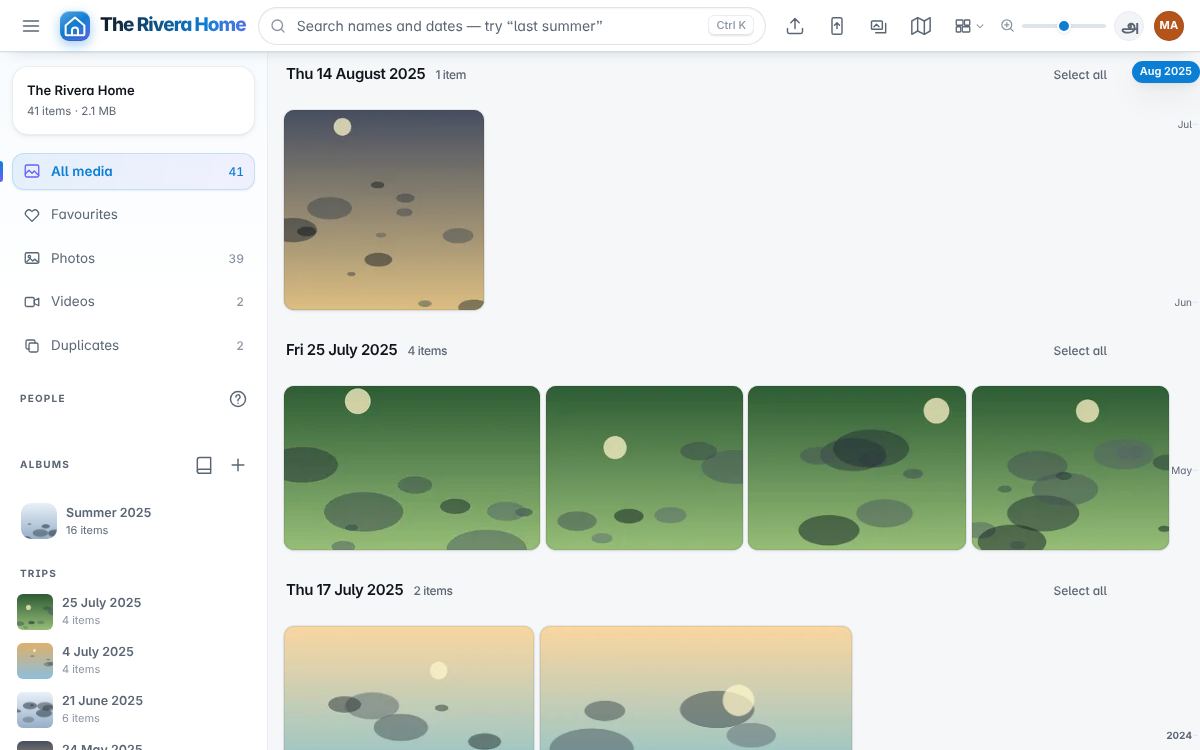
Ninaivu is a private photo and video library for one household. It runs on a computer you own, indexes what is on your own disks, and gives your family what people usually leave to a cloud service: faces and names, search by description, places on a map, "on this day", a link for the grandparents, and phones that send their photographs home. Nothing leaves the house unless you choose where it goes — and the backup goes encrypted.
It has three parts, each with a name:
| Ninaivu | The library: gallery, faces, search, places, albums, sharing, and the three roles |
| Mugil (முகில், cloud) | Backup: an encrypted copy of the library on Google Drive, and the household's phones sending their photographs to the house |
| Sudar (சுடர், glow) | The photo studio: light, colour, straightening, crops and suggestions, in the browser, never changing the original |
Ninaivu Lite
Ninaivu Lite is the smaller edition for a household that wants a gallery on the home Wi-Fi, with fewer dependencies. It uses Ninaivu's family gallery, admin console and share screens, in Tamil and English, and reads your photo folders without changing the originals.
| Choose Ninaivu Lite for | Choose Ninaivu for |
|---|---|
| Timeline, folders, favourites, albums and search by name, folder, date or camera | Face recognition, search by description and places on a map |
| Admin, Family and Guest roles, visibility controls and password-protected share links | The full library with Mugil cloud backup and phone backup |
| Importing old drives into a hash-checked archive and editing with Sudar in the browser | Model-backed AI tools and the full Sudar studio |
| A lighter engine built on Flask, Pillow and waitress | A computer with capacity for the larger engine and optional models |
Lite has no model-backed AI, cloud backup or phone backup. It runs on Windows 10+, macOS, Linux and Raspberry Pi 4/5 with a 64-bit OS. Installers carry their own Python; a portable Windows zip and Docker setup are available too.
- Download Lite — choose the installer for your computer. Releases are currently unsigned; see the installation notes.
- Lite user guide · தமிழ் வழிகாட்டி.
- Moving from Lite to Ninaivu — an optional move if you need the larger edition later.
Lite uses HTTP and is intended for the home network. Keep it on your home Wi-Fi; do not expose it directly to the internet. The rest of this documentation describes the full Ninaivu edition; use the Lite guides above for Lite setup, backup and recovery.
Where to start
- Install — one portable folder for Windows, a Mac with Apple silicon or Linux. Ten minutes.
- The first day — the folder, the household, what the scan works out by itself.
- Family and roles — who sees what.
- Backup — a copy outside the house, tested every week.
- Remote access — reaching it from away.
- AI — what runs on your machine, and what a small machine skips.
- Troubleshooting.
Then the guide, everything each screen does: the family app for the household, the console for whoever runs it. Every screen, pictured: a tour of the screens.
Status
Ninaivu 1.11.0 is the general edition of a server that has run one household's library for a year. It has over 4,000 tests. The roadmap says what comes next.