Family and roles
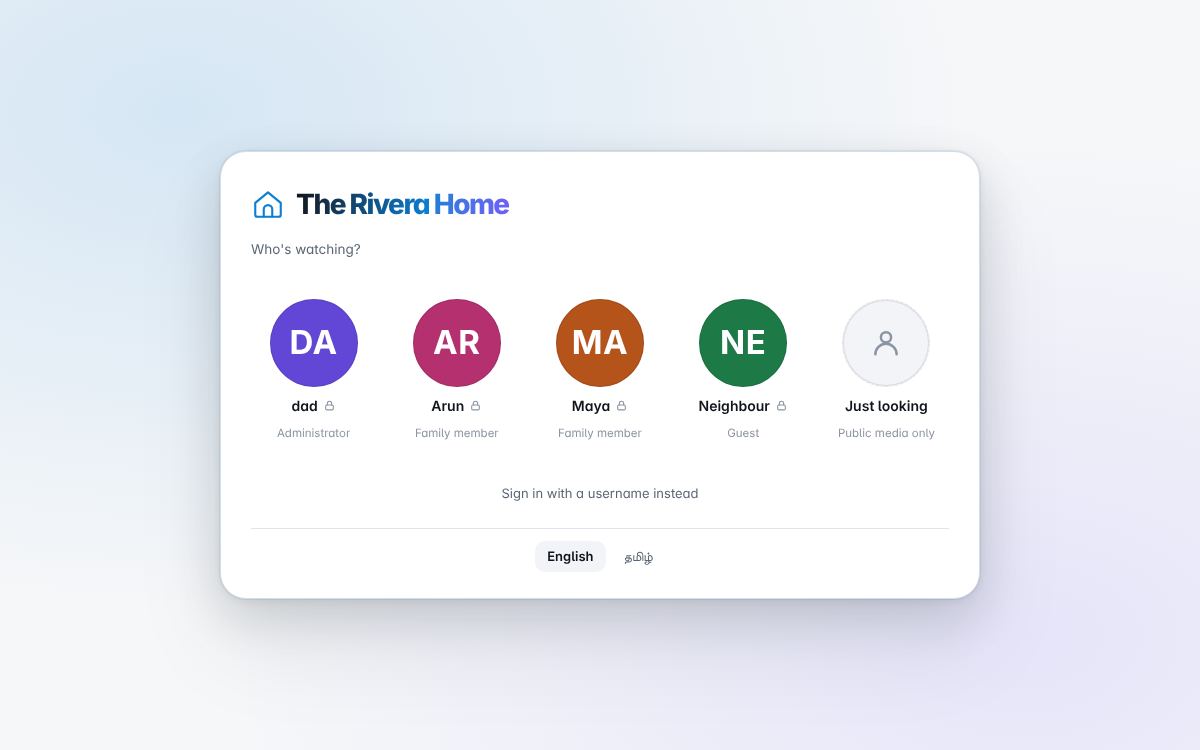
Three roles, and every photograph has a visibility. That model is the product; everything else is built on it.
| Role | Signs in with | Sees |
|---|---|---|
| Administrator | a password, on the console (and in the family app, from their locked tile on the profile picker, where the same account can also delete and change visibility) | everything, and runs the server |
| Family member | a PIN, a password, or a tap, from the profile picker | everything marked for the family |
| Guest | a password, a PIN, or a tap | only what was chosen for them |
A profile set to tap to enter needs no secret, which suits a shared tablet — and means any device on the home network can open it. Give a PIN to anyone whose photographs should stay theirs. From the internet such a profile never opens, and the library cannot be browsed without signing in: only the home network, Tailscale and WireGuard count as home (remote access).
With open browsing on, a visitor can look at what is public without signing in at all; off, the whole library is private. Screenshots, documents and photographs of screens are admins-only by default (hide screens), and so is every sound recording. Nothing admins-only is read by AI: it is not tagged, the text in it is not read, faces are not looked for in it, and it is never sent to Gemini. Whatever was read before it was hidden is removed when it is hidden.
Both apps lock after 15 minutes without use; the person's PIN or password opens them again, and whatever was running carries on meanwhile.
Visibility
Every folder has a setting — everyone, family, or admins only — and every photograph can be set on its own. People & access → Visibility holds the rules for everyone first (whether visitors may browse, whether explicit content is screened, how far back in time each role may look) and then each folder's own setting. Every change can be undone in one step.
A family member can also be given a folder of their own: a private corner of the library that only they and the administrator see.
Sharing
Family members and administrators can make a link for one photograph or an album, with an optional password, scoped to what its maker could already see. Guests cannot share.
Faces and names
People & access → Faces shows the people the face matcher found, grouped. Name one face and the rest of its group follow. Faces are found and matched on this computer. The names are part of the index, so they travel only where the index does: into Mugil's daily copy, encrypted with your key.
Uploads
Photographs the family send from their phones wait under Review → Uploads for the administrator to file or refuse. A family member's edit in Sudar waits the same way. Nothing a family member does changes the library without the administrator seeing it.
Language
Ninaivu is in English and Tamil. Each person chooses on the language button (the sign-in and lock screens have it too), and the choice is saved on their profile, so it follows them to every device. In Tamil, the name is நினைவு.
Dates
A role can be limited to a window of time — guests see this year's photographs, say, and nothing older. Date access.